X
Free Templates
Add-ins & Macros
Animations
Design
Charts & Infographics
Recent Posts
How to Setup IncrediSkill PPT Add-ins (PC and Mac)
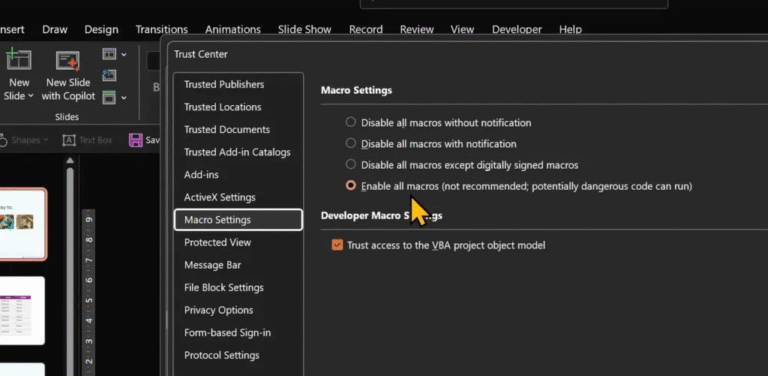
First, download the add-in folder.Extract it. Depending on the add-in, you’ll see at least two files:– – User Agreement Read the...
Struggling with Intro Animations? Solved! (Free Addin – Mac and PC)
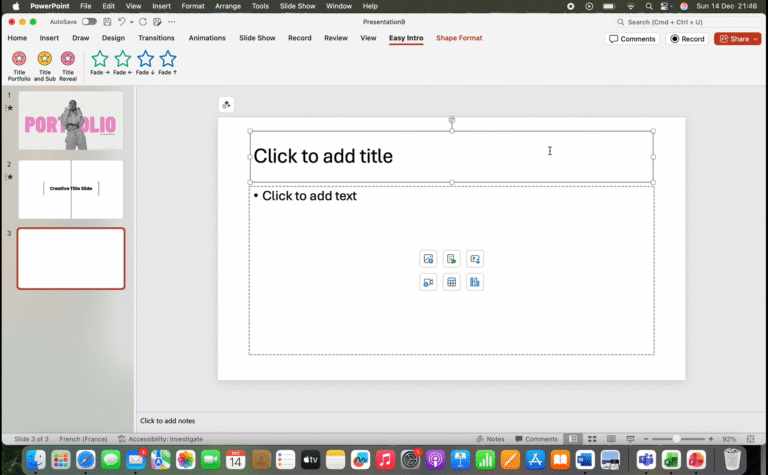
No juggling. No workarounds.No stress. Download Easy Intro Add-in Start with a blank slide.Empty.Clean.Like a clean desk before work begins. Open...
My BEST PowerPoint Macros in One Add-in (Save Time Now!)
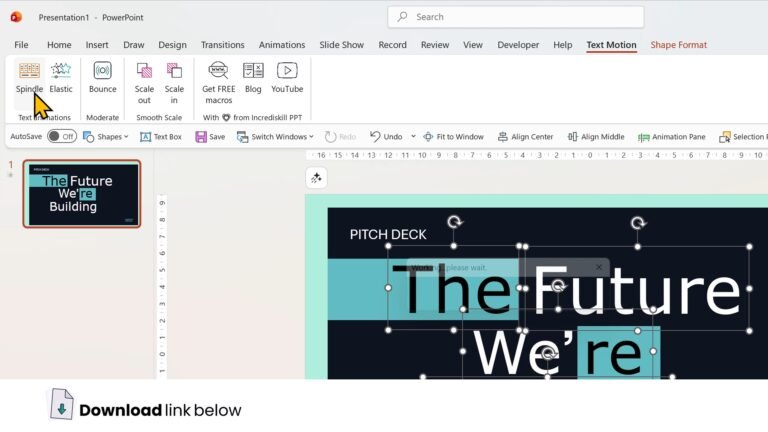
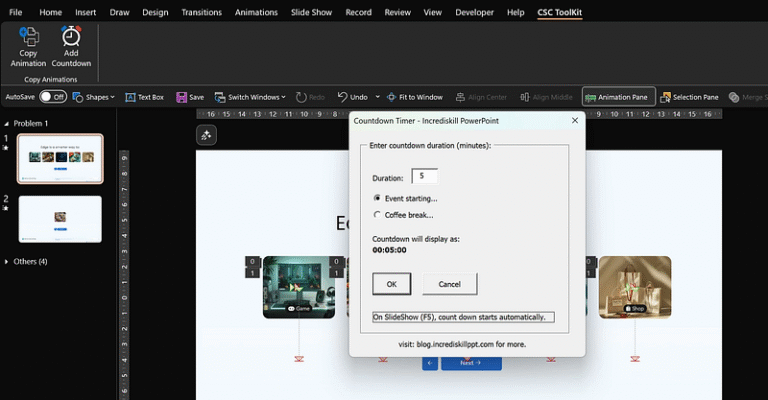
Let me show you four solutions I have created to fix four annoying problems that PowerPoint users face every single day....
Struggling to Choose Colors for Your Presentation?
Here’s how to get it right every time. Color isn’t just a backdrop; it’s the pulse of your presentation. Imagine this:...
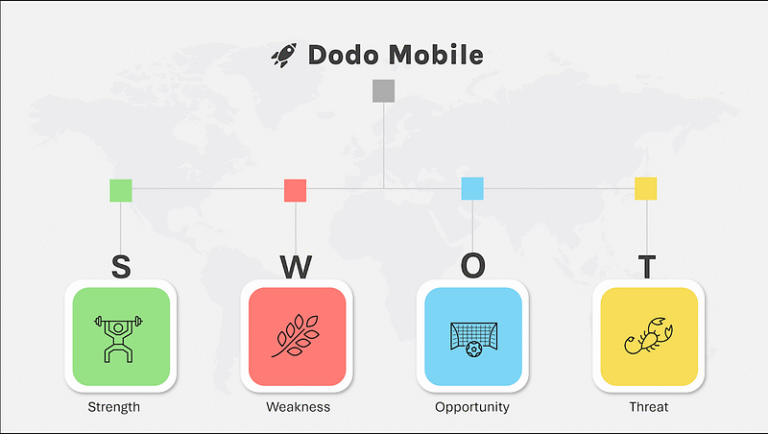
Most SWOT Presentations Are Predictable
Traditional SWOT presentations are: Why? Because they usually go like this: 2. Four additional slides or sections, each representing one of...
3 Techniques That Save Time And Make Your Charts Interesting
Quick. Professional. Effective. But creating a decent chart in PowerPoint? Time-consuming. Formatting it? Even more so. The result? Often, poorly designed...

How to Use ChatGPT + Bing AI to Create The Perfect Infographic For Your Presentation
You don’t even need design skills. If you are not a skilled designer or an expert storyteller, designing a high-quality infographic becomes...
3 Quick and Brilliant Opening Slide Ideas for Busy Professionals
Set the perfect tone for your presentation. Need an opening slide that wows? Here are 3 quick and brilliant opening slide...
2 Genius Ways To Use ChatGPT To Create A PowerPoint Presentation
Ever stared at a blank PowerPoint slide, wondering how to make your presentation stand out? You’re not alone. But what if...
5 Surprising Things You Can Do In PowerPoint
Let’s start in with number one: 1. Custom Shapes with Photo Backgrounds Ever wanted your slides to really stand out with...